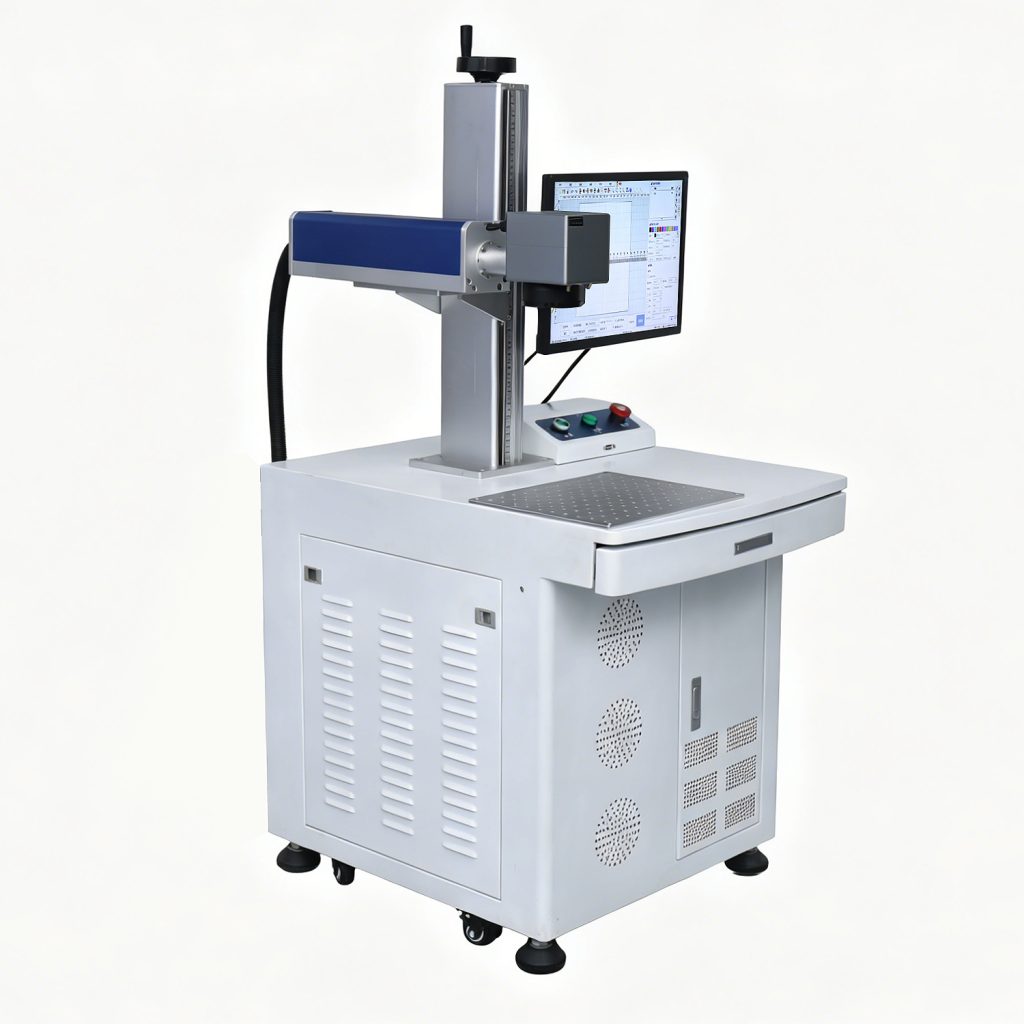
Laser vs inkjet printer: if you code, mark or label products, this choice shapes your running costs and your mark quality. A laser marking system engraves a permanent mark into the surface of the part. An inkjet printer sprays ink onto the surface. Both work, but they suit different products, materials and budgets.
This guide compares laser vs inkjet printer technology side by side. You will learn how each method works, what each one costs to run, and which one fits your product line. When you finish, browse our laser marking machines or contact our team for a sample test.
The 30-second answer
- Need a permanent, no-ink mark on metal or plastic? → choose a laser.
- Need fast, cheap coding on cartons or packaging? → choose inkjet.
- Not sure? → match the method to the product surface and how long the mark must last.
How laser marking works
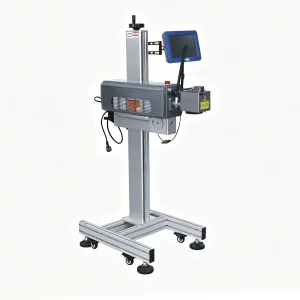
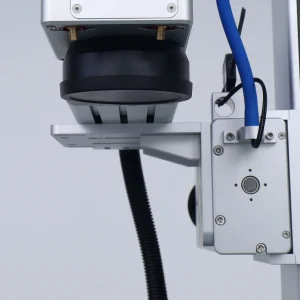
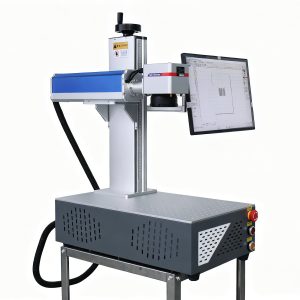
A laser marking machine focuses a beam onto the surface. The beam heats, melts or removes a thin layer of material, which leaves a permanent mark. Fiber lasers mark metal, CO2 lasers mark wood and acrylic, and UV lasers mark plastics and glass. There is no ink, no ribbon and no label.
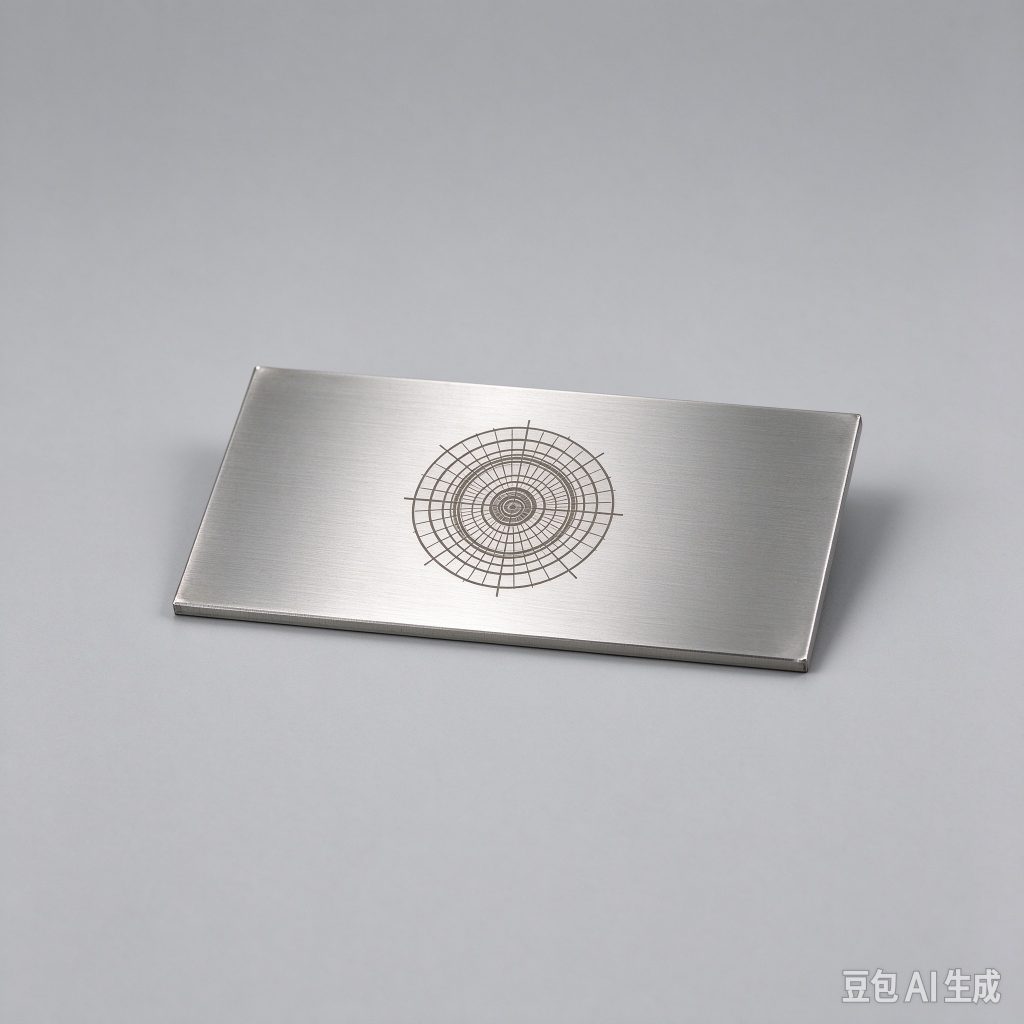
Because the mark is part of the material, it does not fade, wash off or peel. This makes laser marking the standard for serial numbers, logos and traceability codes on parts that must stay readable for years.
How inkjet printing works
An inkjet printer shoots tiny droplets of ink through a nozzle onto the surface. The ink dries or cures to form the code or text. Inkjet is fast and cheap to buy, which makes it popular for date codes, lot numbers and barcodes on cartons, bottles and flexible packaging.
The main limits are the mark itself. Inkjet marks sit on the surface, so they can scratch, smear or fade. Inkjet also needs ink and solvent, which add a recurring cost and a supply chain to manage.
Laser vs inkjet printer: side-by-side comparison
| Factor | Laser marking | Inkjet printing |
|---|---|---|
| Mark type | Permanent, engraved | Surface ink, can fade |
| Consumables | None | Ink and solvent |
| Best materials | Metal, plastic, glass, wood | Paper, cartons, porous surfaces |
| Running cost | Very low | Ongoing ink cost |
| Durability | Lasts the life of the part | Can scratch or smear |
Mark permanence
The biggest difference is permanence. A laser mark is engraved into the material and lasts the life of the part. An inkjet mark sits on top and can wear away. For metal nameplates, tools, medical instruments and automotive parts, this permanence is often a requirement, not a preference.
For a cardboard carton that ships once, permanence matters less. The carton is thrown away, so an inkjet code is enough. This is why both technologies still exist side by side.
Running costs
A laser marking machine has no consumables. Once the machine is paid for, each mark costs almost nothing. An inkjet printer needs ink and solvent on an ongoing basis, and those costs add up with volume. Over years of production, the laser usually wins on total cost of ownership.
The inkjet wins on upfront price. A simple inkjet printer costs less to buy than a laser marker. If your volume is low and the mark does not need to last, inkjet can be the cheaper entry point.
Speed and productivity
Inkjet is fast on moving lines. It codes products as they pass, which suits high-speed packaging. Laser is also fast on static parts, and a flying laser head can mark on a moving line too. The difference is usually the material and the mark, not raw speed.
For short runs and job changes, laser needs no setup consumables. For long runs of the same code, both methods keep up with the line.
Materials each method handles
Laser marking covers metal, plastic, glass, wood and many coated surfaces. Inkjet is best on paper, cardboard and porous or absorbent materials. On smooth metal or plastic, inkjet codes can smear unless you add a drying or curing step.
So the material is usually the deciding factor. Marking a metal part? Laser. Coding a cardboard box? Inkjet.
Laser vs inkjet printer: how to choose
- What is the product surface? Metal, plastic or glass → laser. Paper or carton → inkjet.
- How long must the mark last? The life of the part → laser. Until the box is opened → inkjet.
- What is your volume? High-volume packaging → inkjet. Parts and products → laser.
Frequently Asked Questions
Is laser marking more expensive than inkjet?
The laser machine costs more to buy, but it has no ink or solvent cost. Over years of production, laser marking usually costs less per mark than inkjet.
Can a laser replace an inkjet printer on a packaging line?
Sometimes. A flying laser head can code cartons and packaging inline and removes the ink cost. The surface must suit laser marking, so it works well on many coated and paper materials.
Does laser marking work on cardboard?
Yes. A CO2 laser can mark cardboard and paper by darkening the surface, but the result looks different from ink. Test a sample to confirm the contrast meets your needs.
Which is better for metal parts?
Laser. Inkjet does not bond well to smooth metal and smears easily. A fiber laser gives a permanent, high-contrast mark on metal with no ink. For background, see the overview of laser engraving on Wikipedia.
Laser vs inkjet printer: which should you use?
The laser vs inkjet printer decision comes down to the surface and the mark. Tell us what you mark and we will recommend a method, run a sample on your own product and send a clear quote. Browse the full machine range or contact our team today.
Traceability and compliance
Many industries require a permanent, readable mark for traceability. Medical devices, aerospace parts and automotive components often need a serial number or data matrix code that lasts the life of the part. Inkjet cannot guarantee that on metal or plastic, so laser marking is the standard in regulated industries.
If your customer requires a mark that survives cleaning, sterilization or years of wear, choose laser. The mark is part of the part, not a layer on top of it.
Environmental and safety factors
Laser marking uses no ink, solvent or chemicals, so there are no solvent fumes and no ink waste to dispose of. Inkjet uses ink and solvent, which need safe handling and disposal. For a cleaner production floor with fewer consumables to manage, laser is often the simpler choice.
Total cost of ownership over five years
Compare five years of production and the picture becomes clear. The laser costs more up front, but its running cost is near zero. The inkjet costs less up front, but ink and solvent add up every week. At low volume the inkjet wins on cost; at steady production the laser usually wins.
Factor in downtime too. A laser does not run out of ink in the middle of a shift. An inkjet can, and a missed code can mean a rejected batch or a rework pass.
When to use both methods
Some production lines run both. A laser marks the permanent part number on the product, while an inkjet codes the carton it ships in. This is common in packaging and assembly. Match each method to the surface and the mark, and you get the best of both technologies.
Mark quality and resolution
A laser produces a sharp, high-resolution mark with fine detail, including small text, logos and data matrix codes. Inkjet resolution depends on the nozzle and the surface, and it can look rough on smooth or non-porous materials. For small text and precise codes on parts, laser gives a cleaner, more consistent result run after run.
This consistency matters when a customer scans a barcode or reads a serial number. A mark that is slightly smeared or faded can cause a rejected part or a failed traceability check.
Compare inkjet coding machines
If inkjet is the better fit for your product, start with the inkjet coding overview. Compare CIJ printers for curved and high-speed products, TIJ printers for cartons and labels, TTO printers for flexible film, and UV inkjet for labels and plastic packaging.