Laser marking machines for metal, plastic and packaging
Permanent marks with no ink and almost no consumables. Choose the source by material — fiber for metal, CO₂ for wood and acrylic, UV for heat-sensitive parts — or mount a flying laser over an existing conveyor.
Sample marking and material advice before you order.
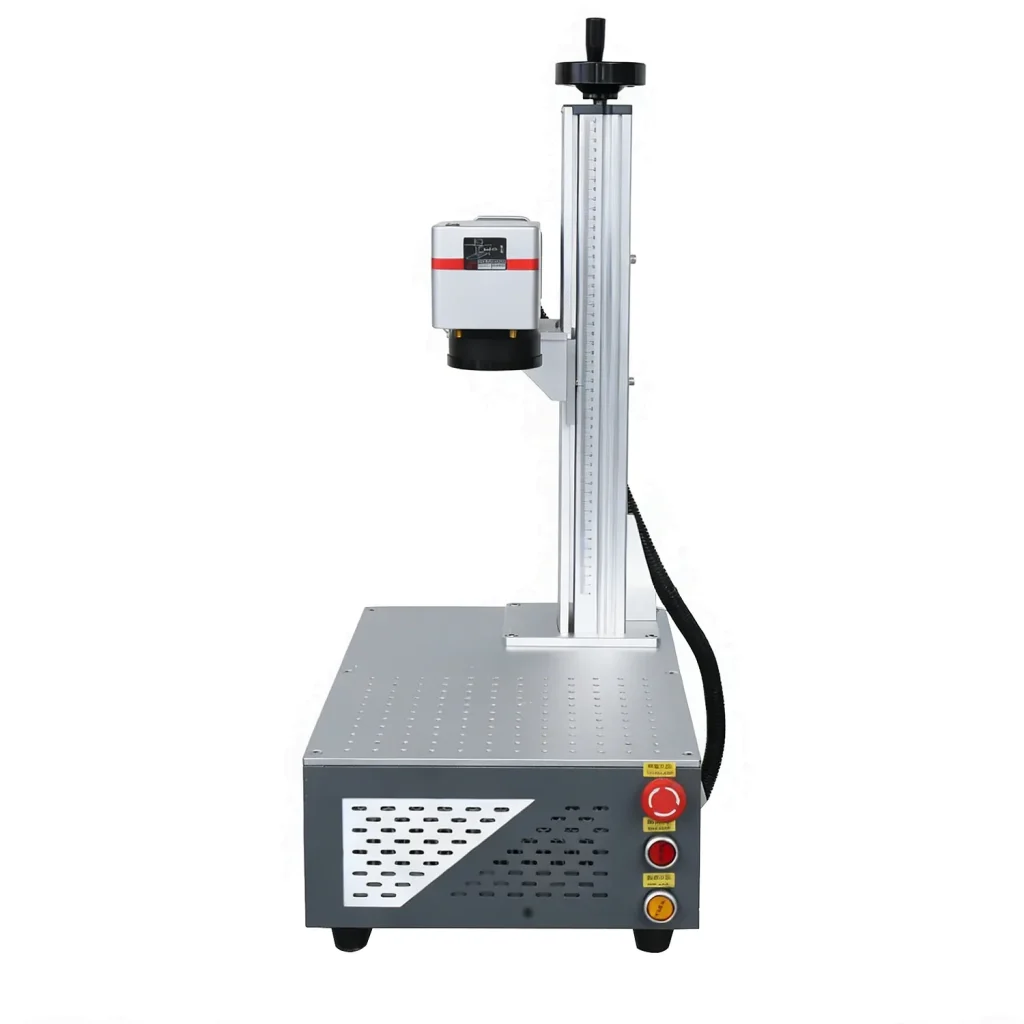 Desktop fiber laser
Four laser sources, one marking principle
The material decides the wavelength. Tell us the part, the mark content and the volume, and we will confirm the source, power and marking area.
Fiber Laser
Permanent, high-contrast marks on stainless steel, aluminium, brass, silver, gold and coated metals. 20W to 100W, with an optional MOPA source for colour marking.
CO₂ Laser
Clean engraving and marking on wood, acrylic, leather, glass, gifts, decor and signage. A sealed tube keeps the entry cost low for craft, gift and sign shops.
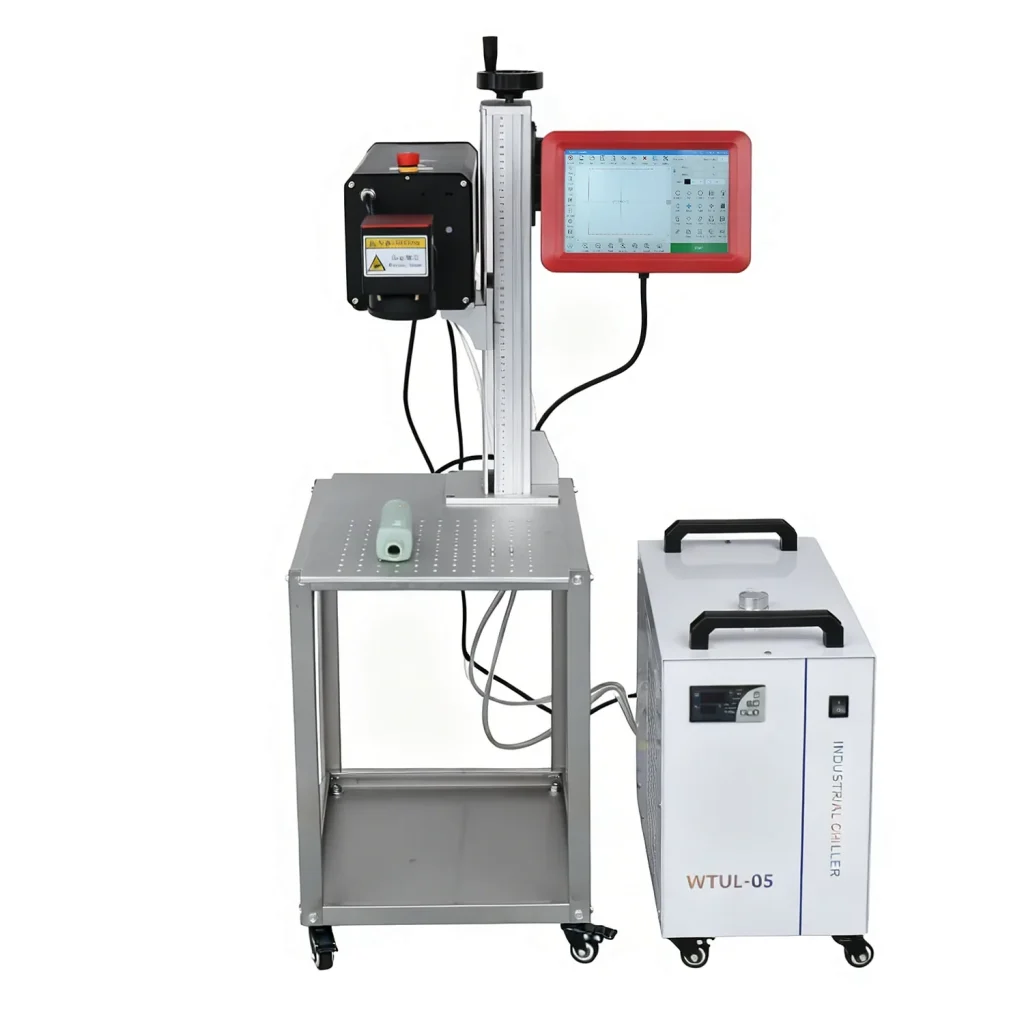
UV Laser
Cold marking at 355nm for plastics, glass, packaging, electronics and fine parts. Minimal heat protects surfaces that fiber and CO₂ would damage.
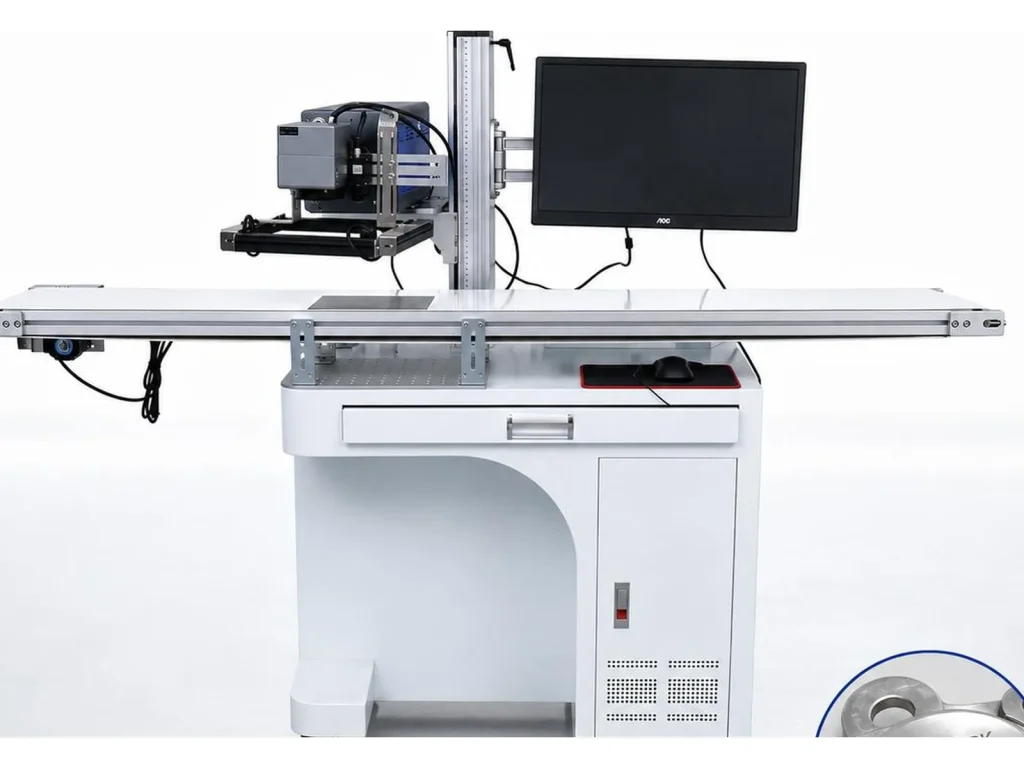
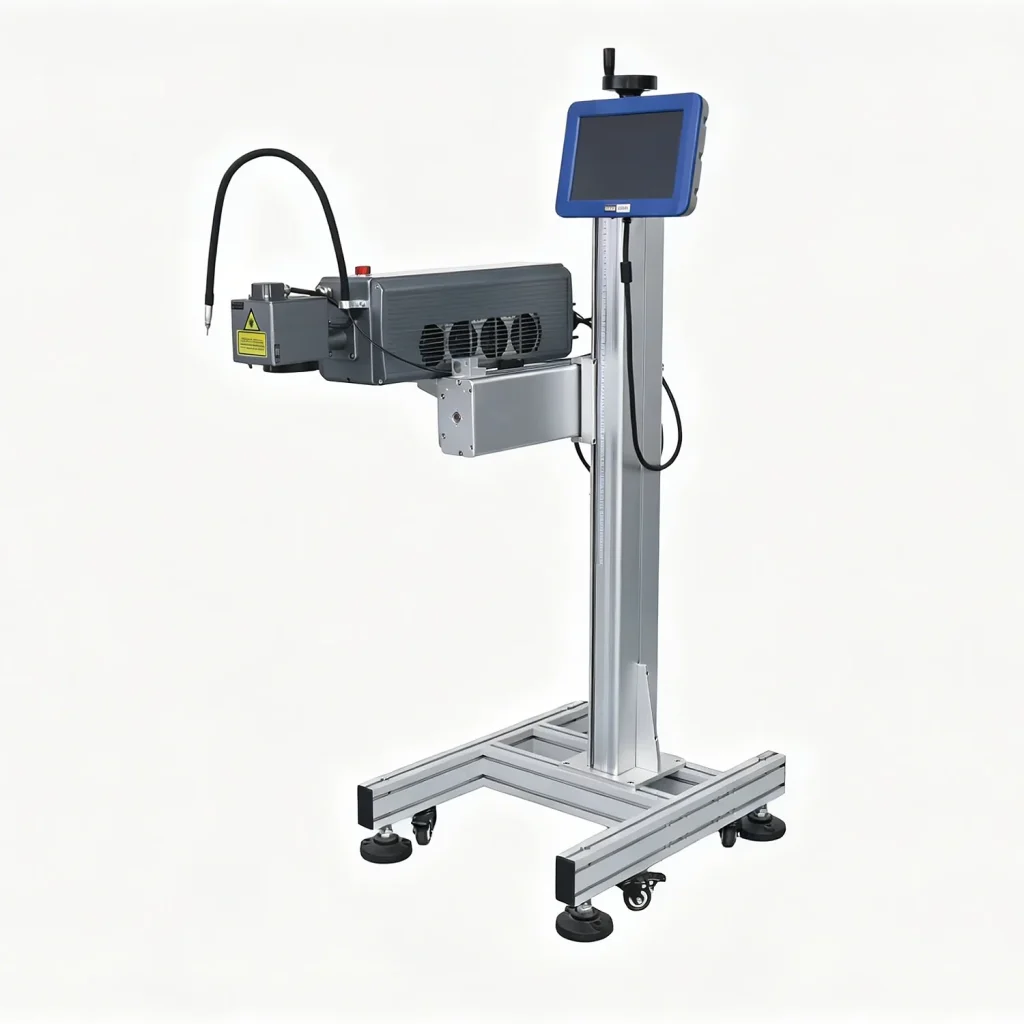
Flying Laser
Marks products while they move on a conveyor, triggered by a sensor or encoder. No fixture and no stopping, so the mark lands on every product at line speed.
Match the laser to the mark, not the other way round
Send the material
Metal, coated metal, plastic, glass and film all behave differently. We confirm the source and power on a sample before quoting.
Define the mark area
Marking range, focal length and fixture decide how large a mark can be and how the part is positioned each cycle.
Plan the integration
For conveyor work we specify the trigger, mounting, extraction and communication with your line controller.
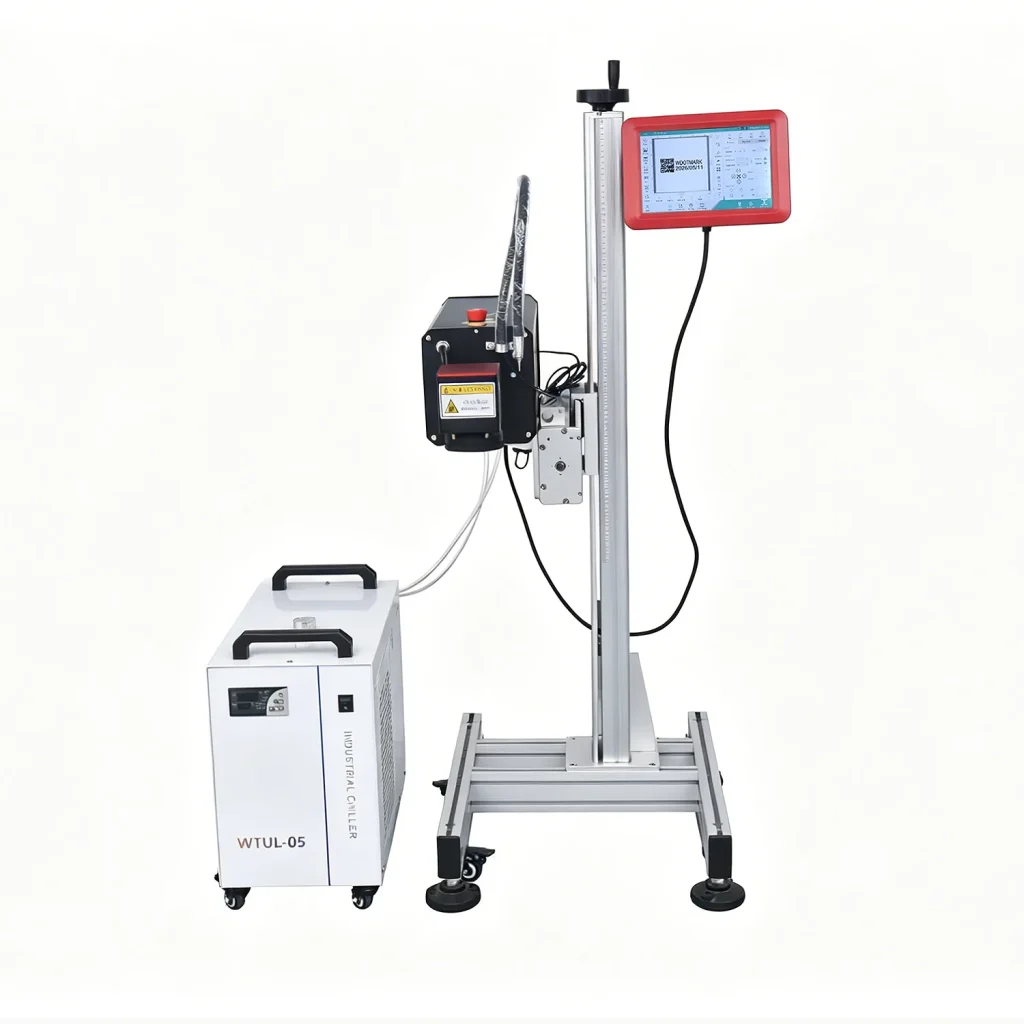
Accessories & consumables
Rotary axes, chillers, flying brackets, fume extraction, field lenses, protective glass and spare parts, matched to your laser configuration.
Built, calibrated and sample-tested
Start with the material
Fiber lasers mark stainless steel, aluminium, brass and coated metal. CO₂ lasers engrave wood, acrylic, leather, glass and many plastics. UV lasers handle heat-sensitive plastics, packaging and electronics with minimal thermal damage. If you mark several materials, say so before you order, because one source may cover two of them but the lens and settings can still differ.
Match power and marking area to the part
Power controls speed and contrast, not the size of the mark. The lens sets the marking area, and a larger area usually produces a larger spot with less fine detail. Measure the largest and tallest part you actually run, then choose the lens and column for that part. Leave room for one size up if your range may grow, but do not buy for a hypothetical job you cannot quote today.
Plan the fixture, extraction and integration
A rotary axis turns rings, cups and tubes; a taller column clears large parts; fume extraction keeps the work area clear. For conveyor work, a flying laser marks products in motion, so the trigger, mounting and extraction have to match the line drawing. We also check product gaps and line speed before quoting.
Send a sample with the mark you need. We run it, photograph the result and quote the complete configuration, including the fixture and spare parts. Compare laser marking machines on the sample, not on the brochure. Start with the fiber, CO₂ and UV pages for source details, or send your drawing through the quote form. For background, read about laser marking.
Send us the part and the mark
We arrange a sample mark and recommend the source, power and marking area before you commit.
Prices are ex-works, excluding shipping, taxes and duties. Configuration affects price.