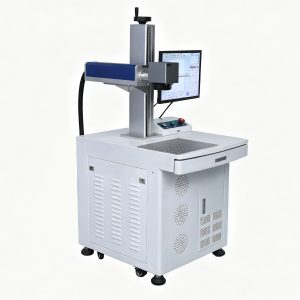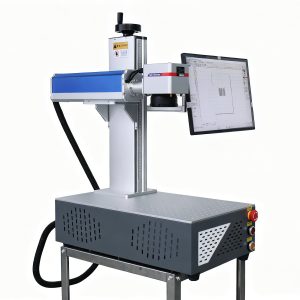
Fiber vs CO2 laser: this is the first question almost every new buyer asks. Both machines look similar, and both can mark and engrave. But they use different wavelengths and are built for different materials. Pick the wrong one and you will fight it on every job. Pick the right one and setup feels simple from day one.
This guide compares the two technologies side by side. You will learn how each one works, which materials each handles best, and how to decide in five minutes. When you finish, browse our fiber laser machines and CO2 laser machines.
The 30-second answer
- Marking metal → choose a fiber laser.
- Engraving wood, acrylic, leather or glass → choose a CO2 laser.
- Doing both → start with the machine that covers 80% of your jobs, then add the other later.
How a fiber laser works
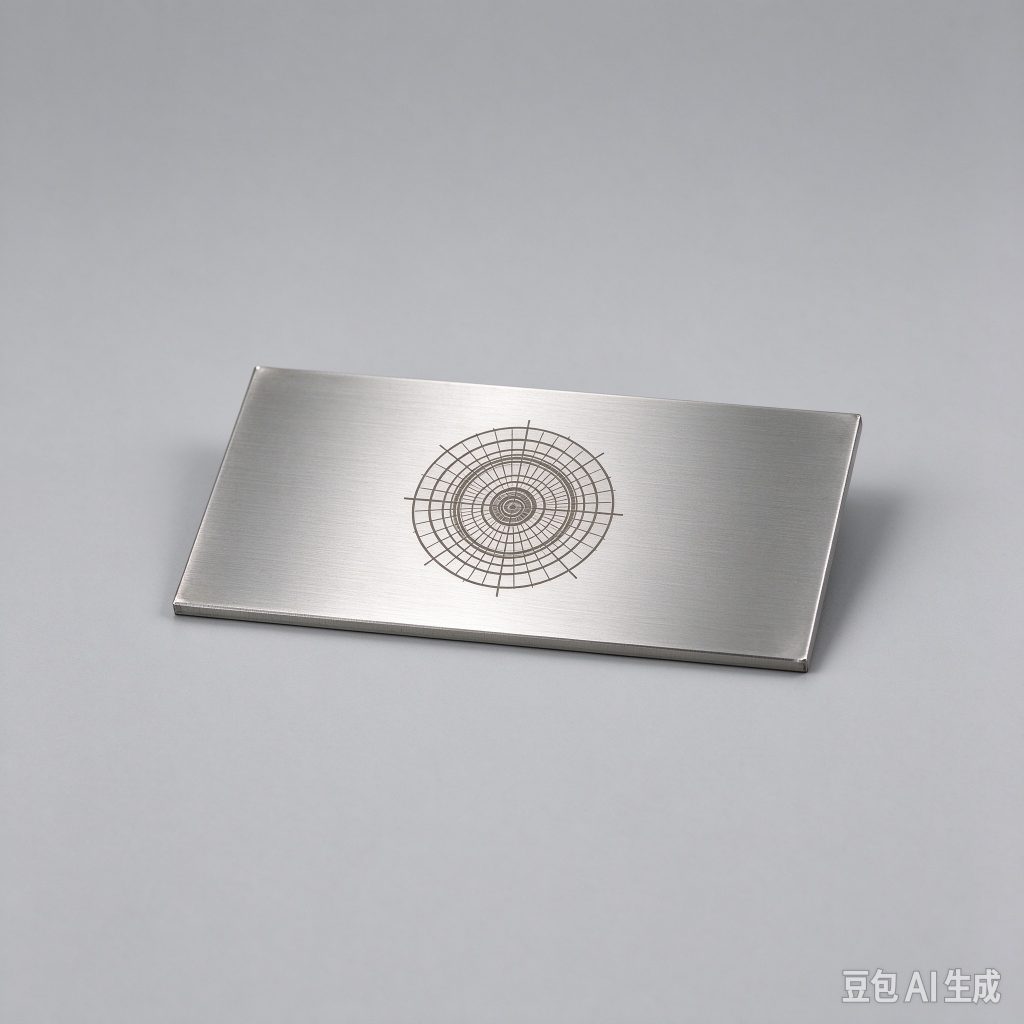
A fiber laser generates its beam inside an optical fiber and emits light at 1064 nanometers. Metals absorb this wavelength well, so the beam creates a permanent, high-contrast mark without ink or labels. Fiber is the default choice for stainless steel, aluminum, brass, copper, titanium and most coated metals.
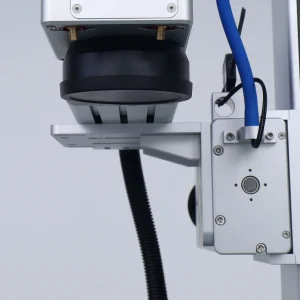
Fiber sources have no tube to replace and very few moving parts. Most models run air-cooled, which keeps running costs low and maintenance simple. For a deeper look, read our guide on fiber laser marking advantages.
How a CO2 laser works
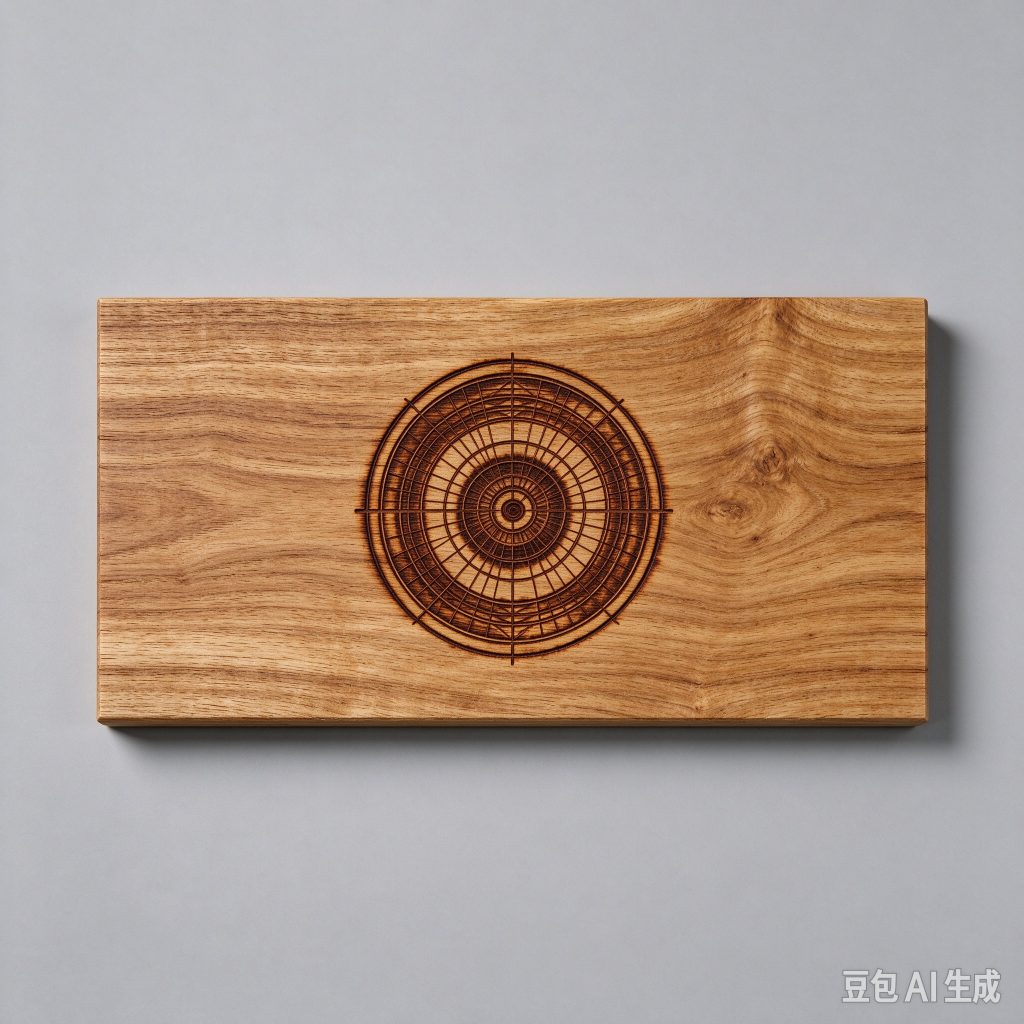
A CO2 laser uses a sealed gas tube and emits light at 10.6 micrometers. Organic materials absorb this wavelength strongly, so CO2 is the classic choice for wood, acrylic, leather, paper, fabric and glass. It engraves deeply and can also cut thin sheet material.
The gas tube has a finite service life and needs replacing eventually, but it is a predictable cost. CO2 machines are also generally cheaper to buy than a comparable fiber unit, which makes them popular for gift, craft and sign businesses.
Fiber vs CO2 laser: side-by-side comparison
| Factor | Fiber laser | CO2 laser |
|---|---|---|
| Wavelength | 1064 nm | 10.6 μm |
| Best materials | Metals and coated metals | Wood, acrylic, leather, glass, paper |
| Mark type | Permanent, high-contrast marking | Engraving and cutting |
| Consumables | None | Laser tube over its service life |
| Cooling | Air cooling on most models | Air or water cooling |
| Running cost | Very low | Low, plus tube replacement |
Material-by-material guide
Match the machine to the material you sell. Here is the practical breakdown.
- Stainless steel, aluminum, brass, copper, titanium → fiber laser.
- Anodized aluminum → fiber laser; use a MOPA source for color marking.
- Wood, acrylic, leather, paper, fabric → CO2 laser.
- Glass → CO2 laser for engraving, or a UV laser for fine surface marking.
- Most plastics → a UV laser works best; fiber and CO2 can mark some plastics with the right settings.
If your product line spans several materials, check the material settings library to see the recommended source for each one.
Cost and running costs
Fiber lasers usually cost more up front, but they have almost no running costs. There is no tube to replace and no ink or labels. A fiber machine marks for years with little more than lens cleaning.
CO2 lasers cost less to buy, which makes them an easier entry point. The main long-term cost is the laser tube, which has a service life measured in hours and needs replacing at predictable intervals. For low-volume work this cost is small; for all-day production you should factor it in.
Speed and productivity
On metal, a fiber laser is usually faster because the galvo head moves the beam with mirrors. Simple codes finish in a fraction of a second. On wood and acrylic, a CO2 laser cuts and engraves cleanly, and gantry machines handle larger sheets and cutting jobs that a galvo cannot.
Speed depends on the job. Choose the laser for the material first, then compare power and working area for your typical part.
Power levels
Fiber lasers commonly run from 20W up to 100W and higher. A 20W or 30W unit covers most marking; add power for deeper engraving or faster production. CO2 machines commonly start around 30W and go up for cutting thicker material.
More power is not always better. Buy the power that matches your material and your cycle time, or you will pay for headroom you never use.
Business use cases
Fiber lasers fit jewelry, tumblers, tools, nameplates, medical instruments, automotive parts and industrial traceability. If the product is metal and the mark must be permanent, fiber is the standard.
CO2 lasers fit gifts, signs, decor, leather goods and wood products. If you engrave or cut organic material, CO2 is the backbone of the shop.
Can one laser do both?
Mostly no. A fiber laser cannot engrave wood well, and a CO2 laser cannot mark bare metal well without a coating spray. Some MOPA fiber lasers add color marking on metal, and some CO2 machines mark coated metals, but neither replaces the other.
If you genuinely need both, the practical path is to buy the machine for your main material first, then add the second as volume grows. Starting with the wrong one costs more than buying a second machine later.
How to choose in five minutes
- What is your main material? Metal → fiber. Everything organic → CO2.
- What will you sell? Tumblers and jewelry → fiber. Gifts and signs → CO2.
- Where will you be in 12 months? Buy for the business you are building, not only today’s job.
Frequently Asked Questions
Can a CO2 laser mark metal?
A CO2 laser does not mark bare metal well. You can use a marking spray or coating to get a temporary mark, but for permanent metal marking a fiber laser is the right tool.
Can a fiber laser engrave wood?
No. Wood absorbs the CO2 wavelength far better, so a fiber laser produces weak results on wood. Use a CO2 laser for wood, acrylic and leather.
Which is cheaper to run?
A fiber laser is cheaper to run over time because it has no tube to replace and no consumables. A CO2 laser costs less to buy but has a tube replacement cost over its life.
Which is better for a beginner?
Neither is inherently harder. Choose by material. If you mark metal, start with fiber. If you engrave wood or acrylic, start with CO2. For background on the technology, see the overview of laser engraving on Wikipedia.
Ready to choose?
The fiber vs CO2 laser decision comes down to your material. Tell us what you make and we will recommend a source, power and working area, then run a sample on your own part before you commit. Browse the full machine range or contact our team for a quote.
Machine types: desktop, flying and gantry
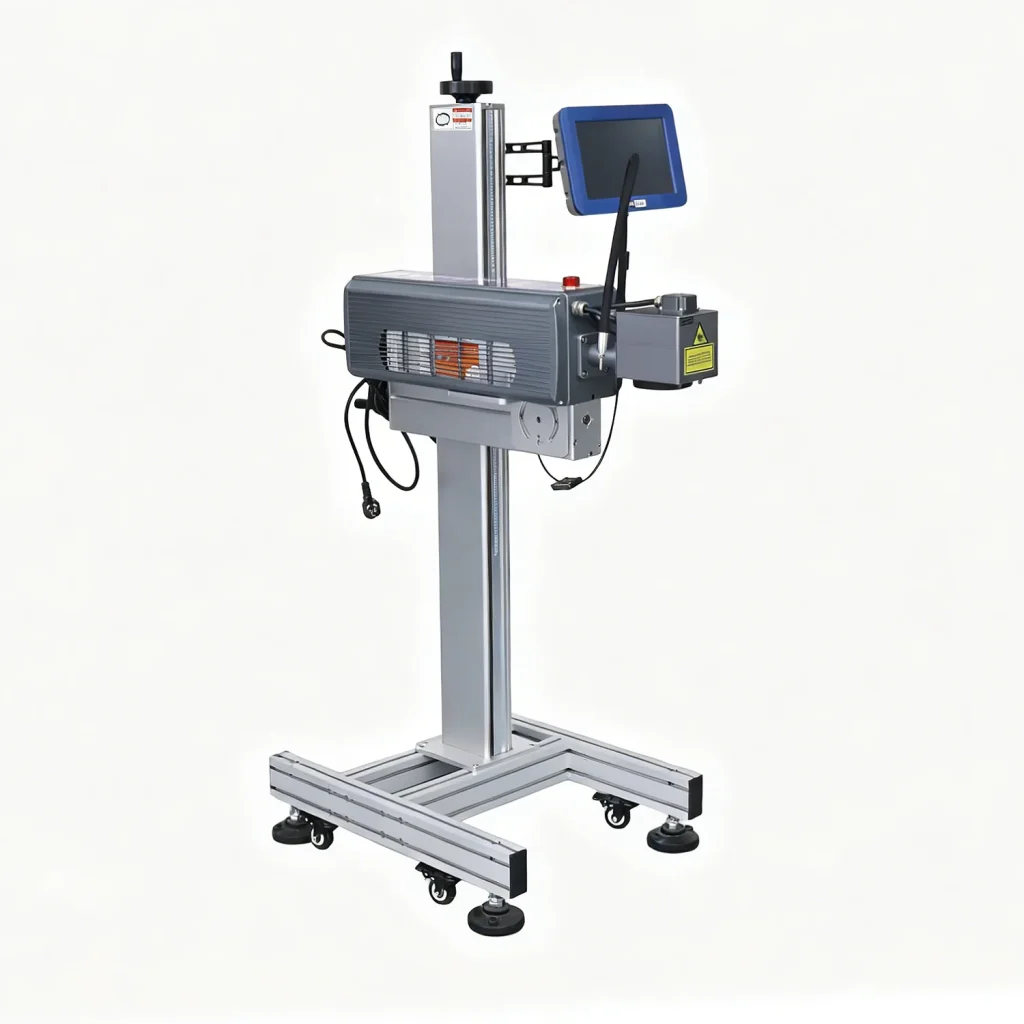
Both technologies come in several form factors. A desktop unit is a self-contained bench machine for flexible work and small parts. A flying head mounts over a production line and marks parts as they move. A gantry machine, common on larger CO2 systems, moves the head over a fixed bed for cutting bigger sheets.
For most new workshops a desktop machine is the simplest start. Add a flying head or a gantry when your volume or part size demands it. See the production line path if you plan to mark inline.
Maintenance comparison
Fiber lasers need very little maintenance. Air cooling removes the chiller, and the main routine task is cleaning the lens and protective glass. CO2 machines also need lens cleaning, plus tube replacement over the life of the source. Both are simple to maintain with a basic weekly routine.
Color and special effects
A standard fiber laser makes a dark, high-contrast mark. A MOPA fiber source can also produce color on stainless steel and titanium by adjusting pulse width. CO2 lasers do not color metal, but they engrave deep texture and clean edges on organic material.
A note on UV lasers
If you mark plastics, glass or packaging, a third option matters: the UV laser. It marks at low heat and suits parts that would melt or discolor under fiber or CO2. Many shops run a fiber or CO2 for their main material and add a UV laser for plastic and fine work later.